
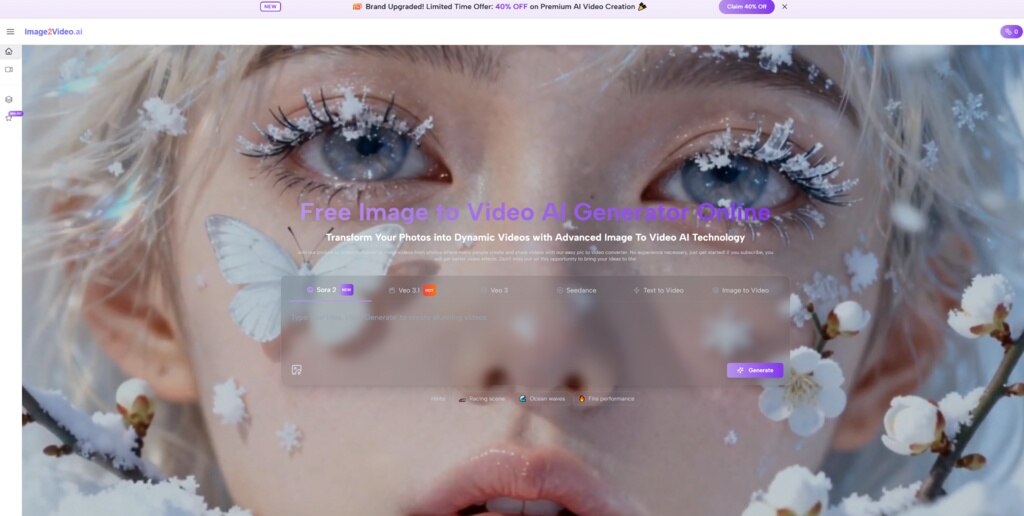
In today’s world, converting images into engaging videos is a growing trend. It offers users a chance to turn static visuals into dynamic content, perfect for marketing, education, or entertainment. One standout tool in this domain is Image to Video AI, a platform that simplifies the transformation of images into videos with remarkable ease. By leveraging cutting-edge AI technology, it offers a seamless process for converting visual material into immersive video content. With its intuitive interface, users can experience the true potential of creative expression. This article explores how this tool can benefit various users.
The Importance of Visual Content in the Digital Age
In a world dominated by digital content, visuals are at the forefront of communication. People are drawn to visual stimuli, making images a powerful tool for capturing attention. But what if you could take your static images and turn them into something even more engaging—videos? That’s where Image to Video AI steps in. It allows users to enhance their content, turning a single image into a fully animated video, which can be incredibly powerful for digital marketers, educators, and content creators. As videos become an increasingly preferred form of content, the ability to easily create them from images represents a significant leap forward.
How Does Image to Video AI Work?
Using Image to Video AI is a straightforward process that does not require extensive technical skills. Here’s how it works:
- Upload your Image: Simply upload the image that you wish to convert into a video. Whether it’s a photograph or a graphic, the tool can handle various image formats.
- Customize the Video: Adjust the video settings based on your preferences. You can choose the duration, add text overlays, or even choose the type of transitions you’d like in the video.
- Generate the Video: Once you’re happy with the settings, hit generate. The AI will process the image and create a video, transforming your still image into an animated piece of content.
- Download and Share: Once the video is ready, you can download it and share it wherever you wish, whether it’s on social media, websites, or within presentations.
A Comparison of Image to Video AI Features
| Feature | Image to Video AI | Traditional Video Editing Software |
| Ease of Use | Extremely user-friendly, no technical skills needed | Requires advanced knowledge of video editing |
| Speed | Quick processing time | Time-consuming due to manual edits |
| Customization | Limited, but offers basic adjustments like text and transitions | Extensive, with full control over video editing |
| Technology | Powered by AI for fast conversion | Manual video editing techniques |
| Cost | Typically affordable and subscription-based | Expensive and often requires one-time purchase |
Practical Applications of Image-to-Video Conversion
Marketing and Social Media
For marketers, visuals are a key part of any content strategy. However, converting images into videos with tools like Photo to Video can take engagement to the next level. Animated videos capture more attention than static posts, making them ideal for social media platforms like Instagram, Facebook, and TikTok.
Educational Content
Teachers and educators can benefit from this tool by transforming textbook images or educational diagrams into videos. These videos can be used in lessons to help explain complex concepts in an easy-to-understand, visual format.
Personal Projects and Content Creation
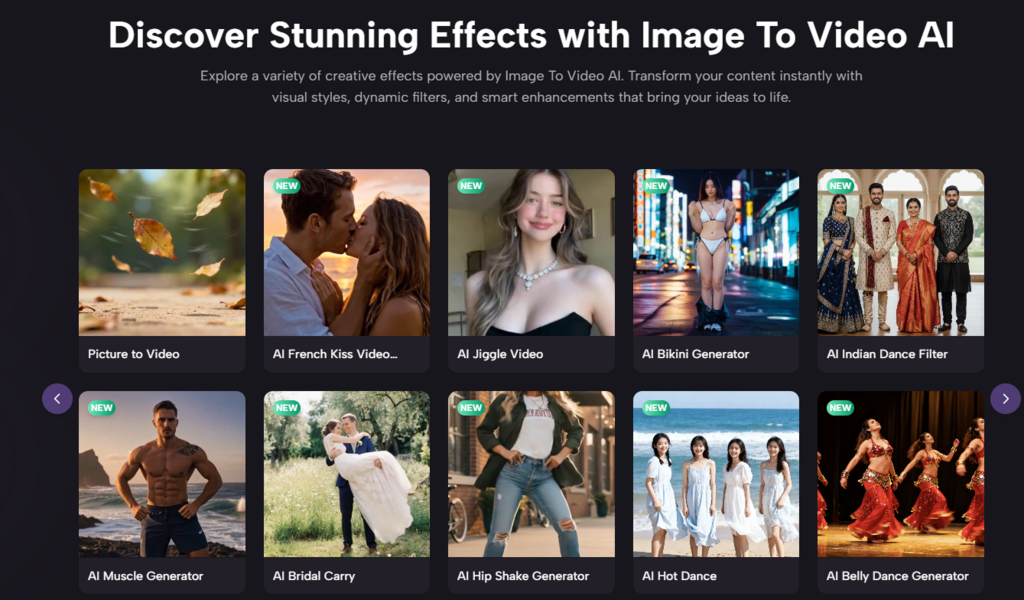
If you’re a content creator, Photo to Video offers a fun and creative way to repurpose your images into engaging video content. Whether you’re creating content for YouTube, a personal blog, or any other platform, this tool helps you turn ordinary visuals into dynamic videos with ease.
Limitations and Considerations
While Image to Video AI is a powerful tool, it’s important to remember that the quality of the final video can be influenced by the original image and your customization choices. In some cases, generating the perfect video may require a few attempts, especially when fine-tuning the details such as timing or transitions. Additionally, the tool works best with high-quality images, so ensuring your photos are crisp and clear can help produce the best results.
Conclusion
Image to Video AI brings a significant advantage to those looking to turn their static images into dynamic videos effortlessly. Whether you’re a marketer, educator, or content creator, this tool offers the potential to enhance your visual content and keep your audience engaged. Its ease of use and quick results make it a top choice for anyone seeking to incorporate video into their digital strategy.


