
Marketing teams make slides all the time. Campaign reports, client decks, strategy plans, and pitch presentations can easily eat up hours every week.
This review looks at Dokie AI from a marketing angle and explains why it stands out as an AI presentation maker for turning raw materials into clear, useful business slides.
What Is Dokie AI?
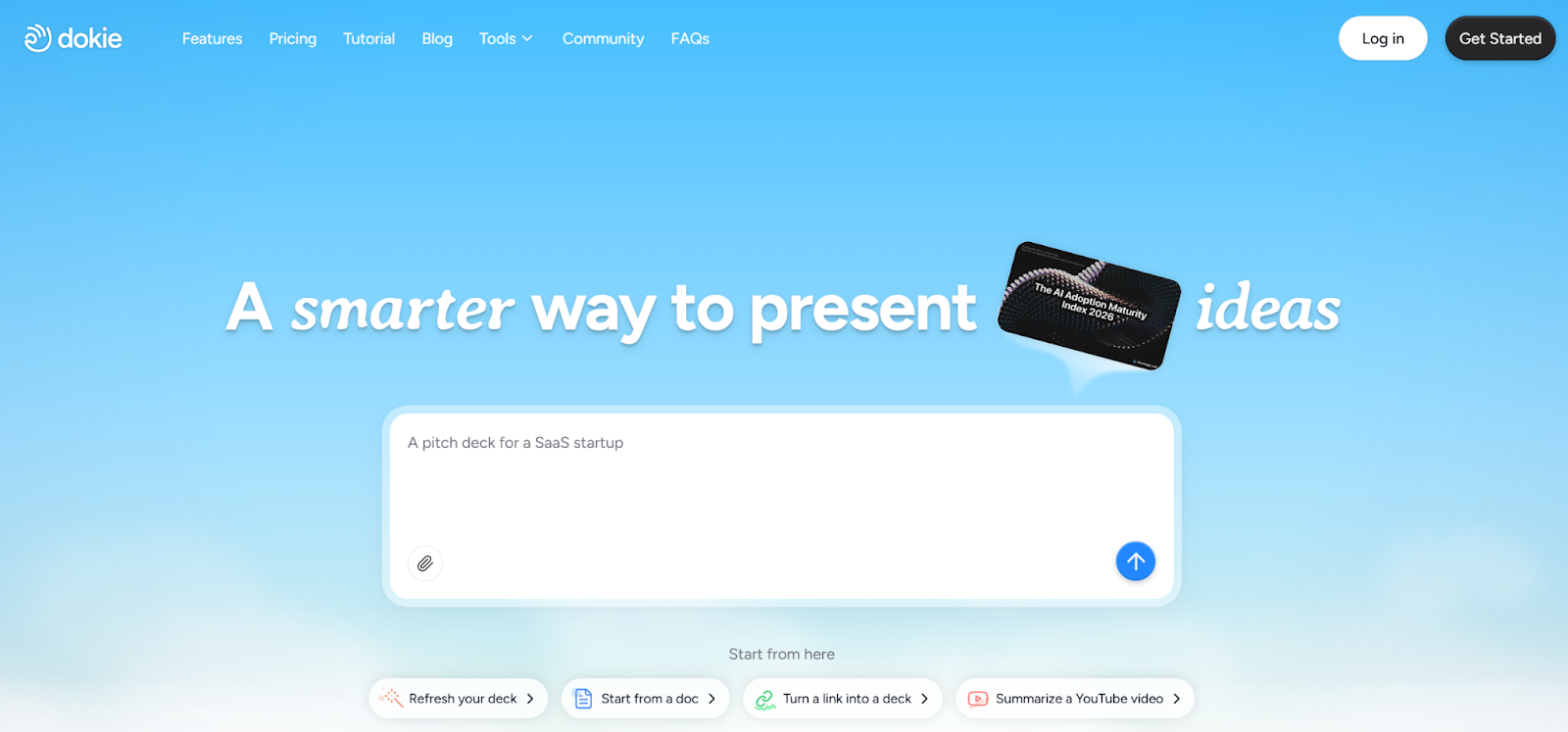
Dokie AI is an AI presentation maker built to help users create slide decks faster from text, documents, and other input formats. Instead of only working like a design tool, it works more like a content-to-slides system.
That makes it especially interesting for marketers, because marketing teams usually already have the raw materials. What they need is a faster way to turn those materials into presentation-ready slides.
Dokie AI works as an AI PPT maker, but its value is not only in simple prompt-based generation. One of its biggest strengths is that it supports several document-to-slides workflows. That matters a lot in marketing, where useful content is usually spread across many formats.
The product includes these conversion features:
- PDF to Slides
- Word to Slides
- Text to Slides
- Excel to Slides
- JPG to Slides
- PNG to Slides
- HTML to Slides
- DOC to Slides
This is one of the main reasons Dokie feels more practical than many other best AI PPT makers in the market. It is not just asking you to type a topic and hope for the best. It helps you work from the materials you already use every day.
The Real Marketing Workflow Problem
To understand why Dokie AI is useful, it helps to start with the real problem.
Most marketing decks do not begin with a clean outline. They begin with messy materials.
You may have campaign notes in a doc, screenshots from ad creatives, a PDF report from another team, data in a spreadsheet, and some text copied from Slack or a meeting note. None of this is presentation-ready. Someone still has to pull it together, decide the story, split it into sections, and turn it into slides.
That is where time gets lost.
A marketer may spend one hour just deciding the deck structure. Then another hour writing the slides. Then more time moving things around because the flow does not feel right. Finally, they export or polish the deck for a meeting.
This is why so many people search for terms like AI presentation maker, AI PPT maker, AI slides generator, and best AI PPT makers. They are not really searching for cool AI. They are searching for less work.
Dokie AI is useful because it fits this raw-material-to-deck process better than many alternatives.
How Dokie AI Fits a Marketing Workflow
Dokie AI works well because marketing teams rarely start from a blank page. They usually start from assets, notes, and documents. The platform’s main strength is that it can help turn these materials into a structured presentation faster.
For example, imagine a performance marketer needs to prepare a weekly campaign review. They may have:
- a spreadsheet with spend and conversion data
- a Word doc with notes
- some screenshots of top ads
- a landing page link
- a PDF report from the last meeting
Normally, turning these into a presentation takes real effort. With Dokie AI, the workflow becomes much more direct.
The user can bring in content from those existing formats, generate a first draft deck, and then spend their time refining the message instead of building every slide by hand. That is where the time saving happens.
It is not just about generation speed. It is about reducing the number of painful steps between “I have the materials” and “I have a usable deck.”
Why the “to Slides” Features Matter So Much for Marketers
This is the part that really matters for a marketing review. Dokie AI is not only a prompt-based AI presentation maker. Its “to Slides” tools make it much more useful for actual work.
PDF to Slides
Marketing teams often receive reports, research summaries, media kits, or client materials as PDFs. A normal workflow would require copying key points from the PDF, rewriting them, and arranging them into slides. PDF to Slides can shorten that process.
This is especially useful for agency teams, in-house marketers sharing partner reports, and anyone working with research-heavy decks. Instead of rebuilding everything manually, you can start from the PDF and turn it into slides much faster.
Word to Slides
A lot of strategy work lives in Word files. Campaign plans, proposals, brand notes, outreach plans, and content briefs are often written as docs first. Word to Slides helps turn these written materials into a deck without asking the team to rebuild the whole structure by hand.
For marketers, this is one of the strongest use cases. Many meetings begin with a written strategy and end with a presentation. Dokie helps close that gap.
Text to Slides
This feature sounds simple, but it is extremely useful. Marketers often work from rough notes, bullet points, call transcripts, and meeting summaries. Text to Slides makes it easier to paste those raw notes into the system and get a structured first draft.
This is perfect for internal updates, quick client decks, brainstorming sessions, and draft narratives for campaigns.
Excel to Slides
Marketing runs on data. Weekly spend, CPA, CTR, ROAS, funnel numbers, growth trends, keyword data, and channel performance often live in spreadsheets. Excel to Slides is important because it helps marketers move from raw numbers to presentation format.
This does not mean every spreadsheet becomes a perfect board-ready deck in one click. But it does mean the process of turning marketing data into slides becomes much faster and smoother. For reporting teams, this feature alone can save a lot of time.
JPG to Slides
Marketing teams collect visual materials all the time. Ad screenshots, creative examples, design references, campaign snapshots, and charts often come as JPG images. JPG to Slides makes it easier to turn these image assets into part of a presentation.
This is useful for creative reviews, performance recaps, social content reports, and client examples where visuals matter.
PNG to Slides
PNG to Slides matters for many of the same reasons as JPG to Slides, but it is especially useful when dealing with cleaner graphics, UI images, screenshots, charts, and exported assets from design tools. Marketing teams often use PNGs in reports and strategy presentations, so having direct support for this format makes the workflow easier.
HTML to Slides
This is one of the more interesting features for marketers. A lot of marketing content lives on web pages, not in documents. Landing pages, campaign pages, product pages, blog content, and test pages are all part of the workflow. HTML to Slides helps turn web-based content into presentation material.
For growth teams, SEO teams, and product marketers, this can be very useful. A landing page test summary or product page review can become the basis of a deck much faster.
DOC to Slides
DOC to Slides is valuable for older document workflows or teams that still use classic document files for proposals, planning, or documentation. It may sound similar to Word to Slides, but in practice it helps cover more file types and makes the product more flexible for real business use.
For marketing teams, flexibility matters. The more input formats a tool can handle, the easier it is to fit into an existing workflow.
Dokie AI’s Biggest Strength: Structure Over Flash
Many AI presentation tools try to impress users with modern-looking output. That can be nice, but marketing teams usually care about something else first: clear structure.
A campaign deck needs to answer simple questions in the right order. What happened? Why did it happen? What do the numbers mean? What should we do next?
If the flow is bad, even beautiful slides will not help much.
Dokie AI feels stronger when the goal is to produce a business-ready first draft with a clear story. That matters for marketing because most presentations are not meant to entertain. They are meant to explain, report, persuade, or align a team.
This is where Dokie feels more practical than some other AI slides generator tools.
Real Marketing Use Cases for Dokie AI
Dokie AI works especially well in several marketing scenarios.
A growth marketer can use it to build weekly performance decks from spreadsheets, notes, and screenshots. A content marketing manager can turn a strategy document into a deck for internal discussion. An agency account manager can convert a client report PDF into a cleaner slide presentation. A product marketer can use HTML to Slides to review landing pages or product messaging in deck form. A social media team can use JPG to Slides and PNG to Slides for creative recaps and campaign reviews.
It also works well for sales-support marketing tasks. When teams need to turn a brief, proposal, or research document into a presentation for a pitch, Dokie shortens that path.
This is why it works well as an AI PPT maker for business decks. It supports the actual way marketers work.
Dokie AI vs Other AI Presentation Makers
Many of the best AI PPT makers tend to lean into one of two directions. Some are design-first. Others are speed-first.
Design-first tools can look polished, but they may still require a lot of manual work to get the story right. Speed-first tools can create slides quickly, but the deck may feel loose or generic.
Dokie AI feels more workflow-first. It is not only about asking AI to invent slides. It is about helping users turn existing business materials into a useful presentation.
That makes it a strong option compared with other AI presentation maker tools for marketers who care more about clarity and output than flashy design.
If your top priority is highly visual design freedom, you may still prefer a more design-heavy tool. But if your top priority is turning real work into slides faster, Dokie has a stronger case.
Pros of Dokie AI for Marketing Teams
The biggest advantage is practicality. Dokie fits real marketing work because it supports the document and content types marketers already use. The “to Slides” feature set is not just nice to have. It is central to why the tool makes sense.
Another strong point is time saving. Marketing teams do not need perfect AI. They need a faster first draft. Dokie helps reduce the amount of manual rebuilding needed to get to that point.
It also has a business-friendly angle. The output feels more aligned with internal updates, reports, proposals, and client decks than with casual or creative slideshow generation.
The structure-first approach is another plus. Marketers often struggle more with story flow than with slide design. Dokie helps with that.
Cons of Dokie AI for Marketing Teams
It is still an AI tool, so it is not magic. You should not expect every deck to be fully meeting-ready with zero editing. Important strategy slides, insights, and key business claims still need human review.
Marketers who want highly custom design styles may also feel limited if they expect the tool to replace a full presentation design workflow. Dokie is stronger as a content and deck-building tool than as a deep visual design tool.
And like most AI PPT makers, the final quality still depends a lot on the quality of the input. Better source material usually leads to better output.
Is Dokie AI Worth It for Marketing?
For marketing teams that create decks often, yes, it has a strong case.
The reason is not only that it can generate slides. Many tools can do that. The reason is that it helps teams turn the messy inputs they already have into presentation drafts much faster. That is a more useful promise.
If you are a marketer who regularly works with PDFs, docs, notes, spreadsheets, screenshots, and web content, Dokie AI covers more of your real workflow than many other AI presentation maker tools. That makes it stand out in a crowded market.
It feels especially strong for:
- weekly and monthly marketing reports
- client-facing campaign recaps
- internal strategy decks
- growth and SEO updates
- proposal and pitch materials
- creative review presentations
In those use cases, Dokie is not just another AI slides generator. It is a practical business tool.
Final Verdict
Dokie AI makes the most sense when you judge it by workflow, not hype. For marketing teams, the value is clear: it helps turn existing content into clear business slides faster. That alone makes it one of the more practical AI PPT makers in the market right now.
Its biggest edge is the way it supports real-world inputs through features like PDF to Slides, Word to Slides, Text to Slides, Excel to Slides, JPG to Slides, PNG to Slides, HTML to Slides, and DOC to Slides. Those are not side features. They are the reason Dokie fits modern marketing work.
If you want a tool that helps your team move faster from raw materials to campaign decks, Dokie AI is a strong option and one of the best AI PPT makers for business-focused marketing teams.
FAQs
What makes Dokie AI useful for marketers?
Dokie AI is useful for marketers because it helps turn common work materials like reports, notes, spreadsheets, screenshots, and web content into slides. That makes it easier to build campaign decks, client presentations, and strategy reports faster.
Does Dokie AI support different file types for slide creation?
Yes. Dokie AI supports PDF to Slides, Word to Slides, Text to Slides, Excel to Slides, JPG to Slides, PNG to Slides, HTML to Slides, and DOC to Slides. This is one of its biggest strengths for business use.
Is Dokie AI better than a normal AI slides generator for business decks?
For many marketing use cases, yes. A normal AI slides generator may only work from a prompt, while Dokie AI supports more input types and feels more practical for turning real business materials into presentations.
Is Dokie AI one of the best AI PPT makers for marketing teams?
It is a strong option for marketing teams that create decks often and want to save time. It stands out because it focuses on real workflow needs, especially for reports, strategy decks, and client presentations.


